 Steel Erection AI Takeoff Wizard
Stop fighting generic takeoff tools that were never designed for your work. Count beams and shear studs off the plans in seconds, take off the rest by hand, and export straight into the Bid Wizard. Every beam and shear stud on a three-story building, counted in 48 seconds.
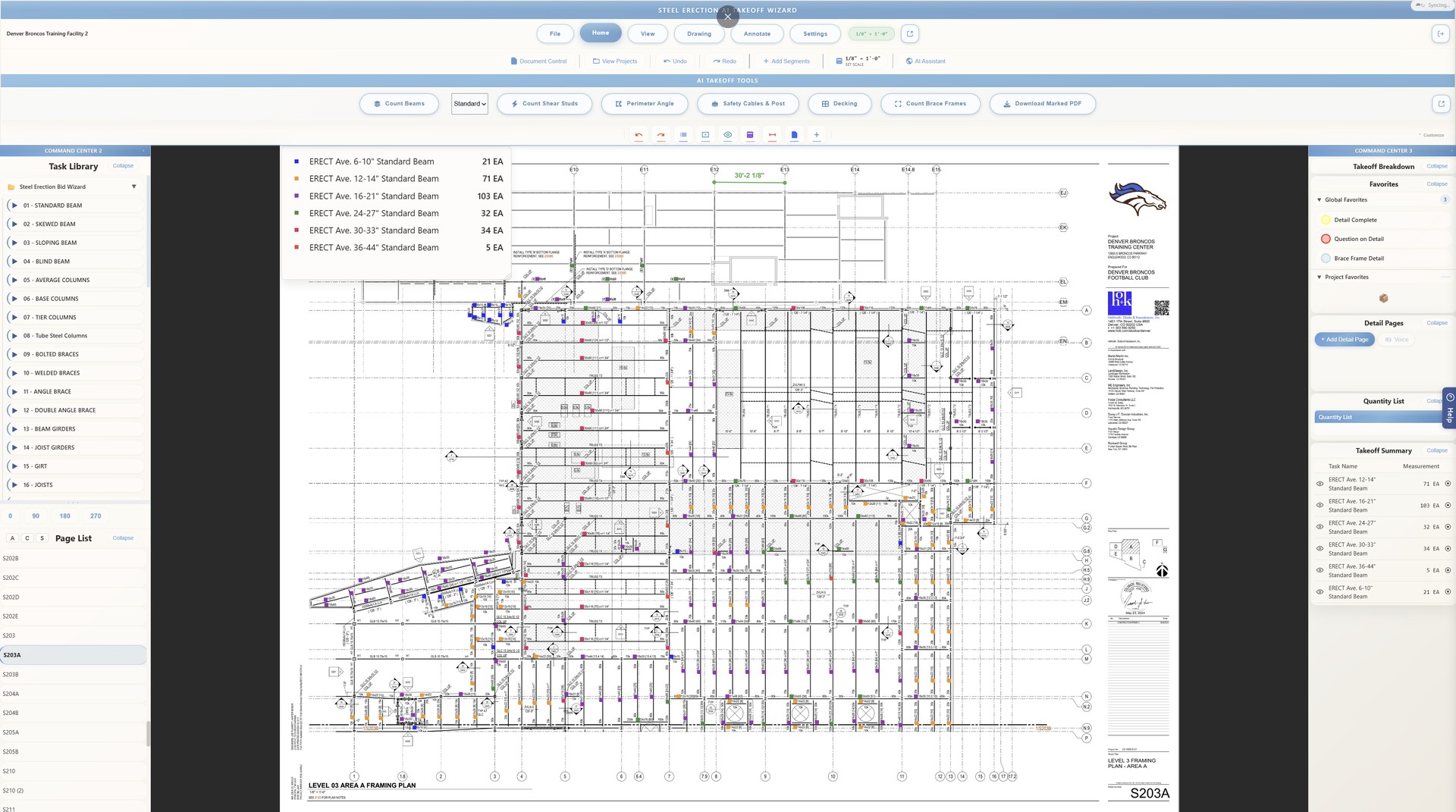
Let the AI detect and count beams and shear studs in seconds. Verify with one click, adjust if needed.
Draw a line and the software calculates joist bays, beam spacing, and safety posts. Set your spacing; it does the math.
Trace perimeter angle, safety cable, and handrails for linear feet. Draw polygons for decking and grating square footage.
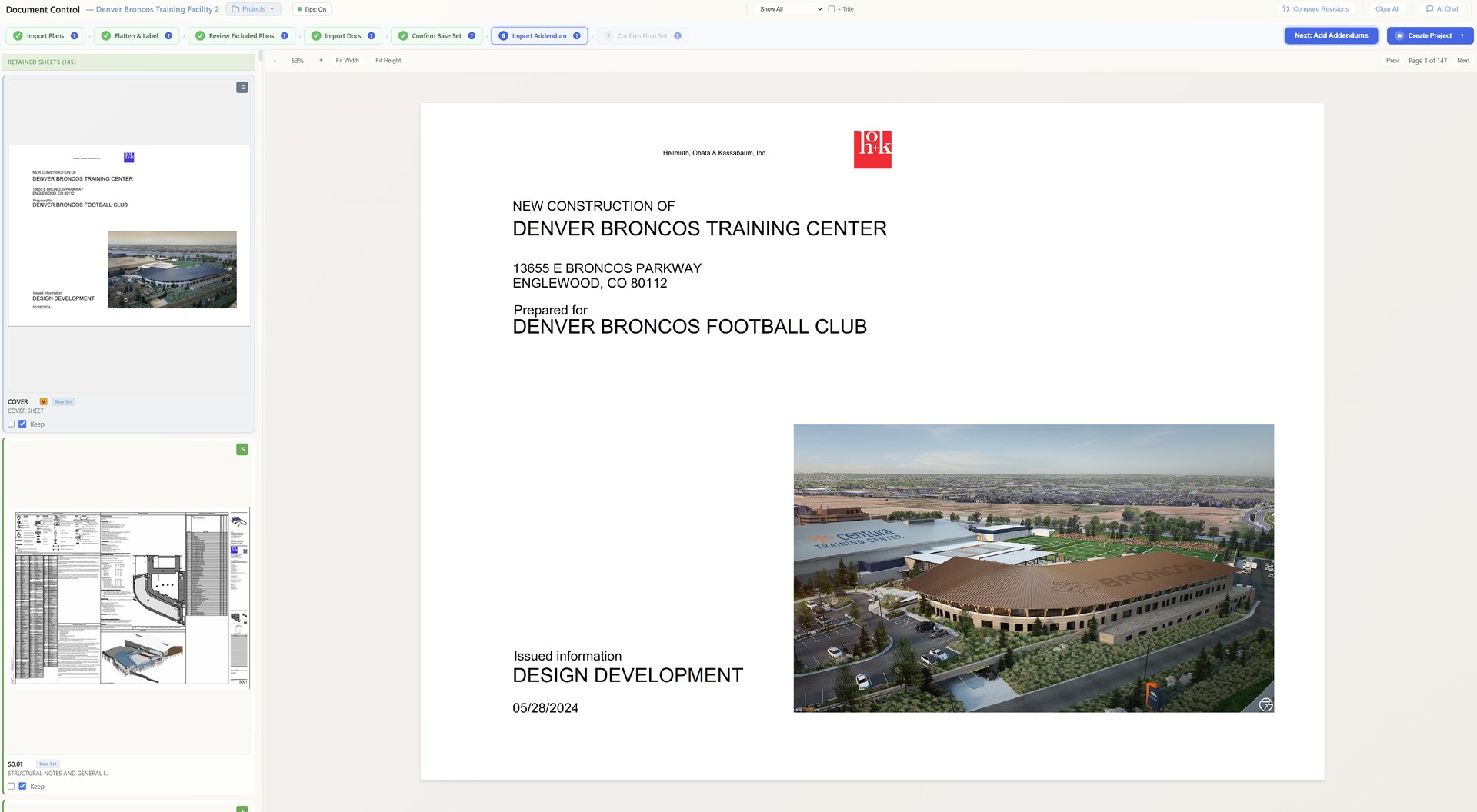
Drop in plans, specs, schedules, and addendums. The system auto-organizes everything and builds a full project report.
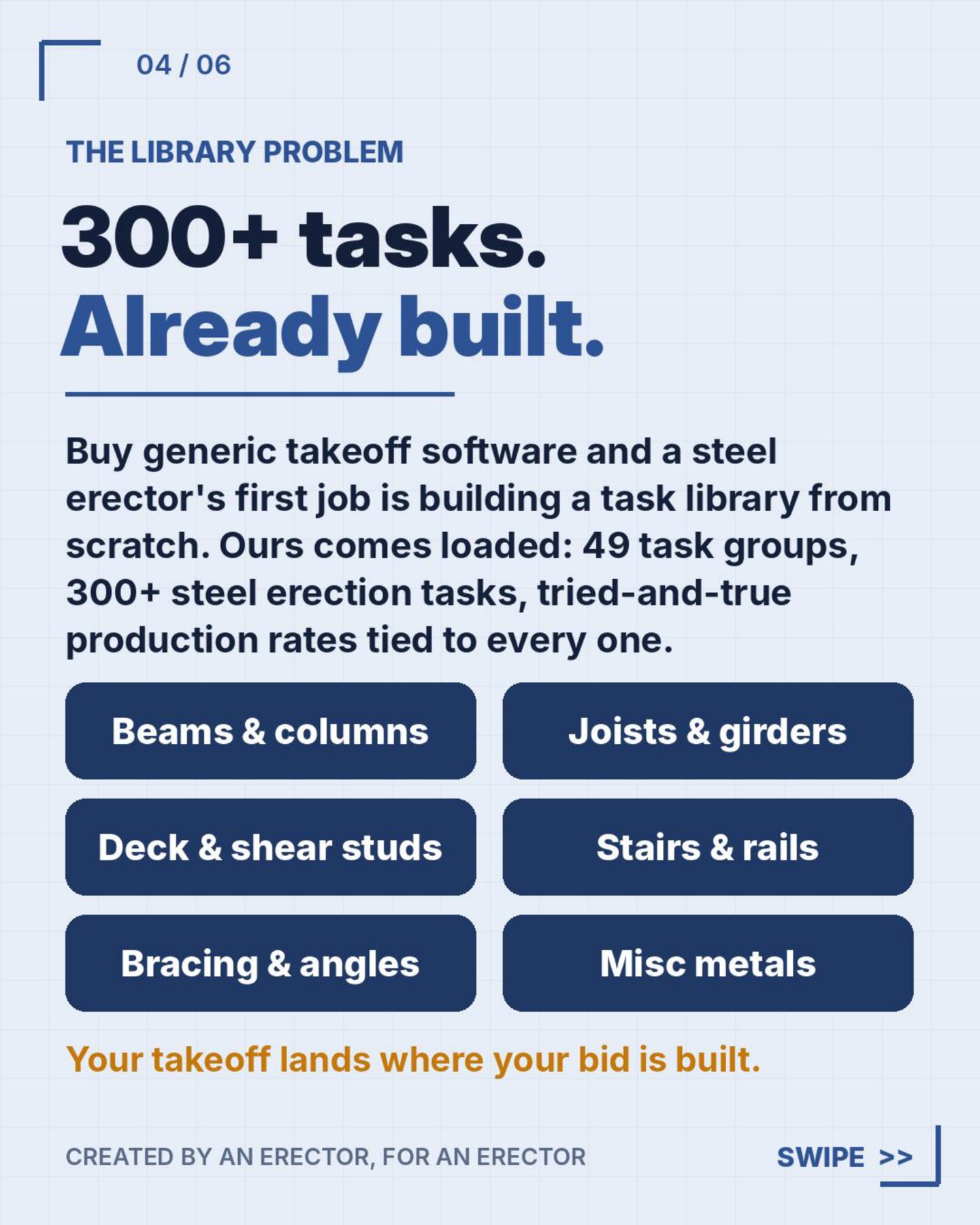
A pre-built steel erection task library with every task you need. Save assemblies as favorites and reuse them across projects.
Specialized assistants for reading the specs, analyzing the plans, and learning the software as you go.
Pin your most-used tasks for one-click switching. No more digging through menus mid-takeoff.
Projects sync automatically. Open them from any computer and pick up right where you left off.
Export your takeoff as a clean CSV with task names, quantities, units, and areas, formatted for direct import.
Two of the newest tools in the software, built for the way revisions and final sets actually land on a bid.
You bid off the 60% set. Then the 75% set shows up. Then the 100%. Document Compare puts the new set against the one you took off and hands you a list of everything that changed, by grid line: steel added, steel removed, steel changed. You read the list, not the whole set. Nothing moves on you that you don't know about.
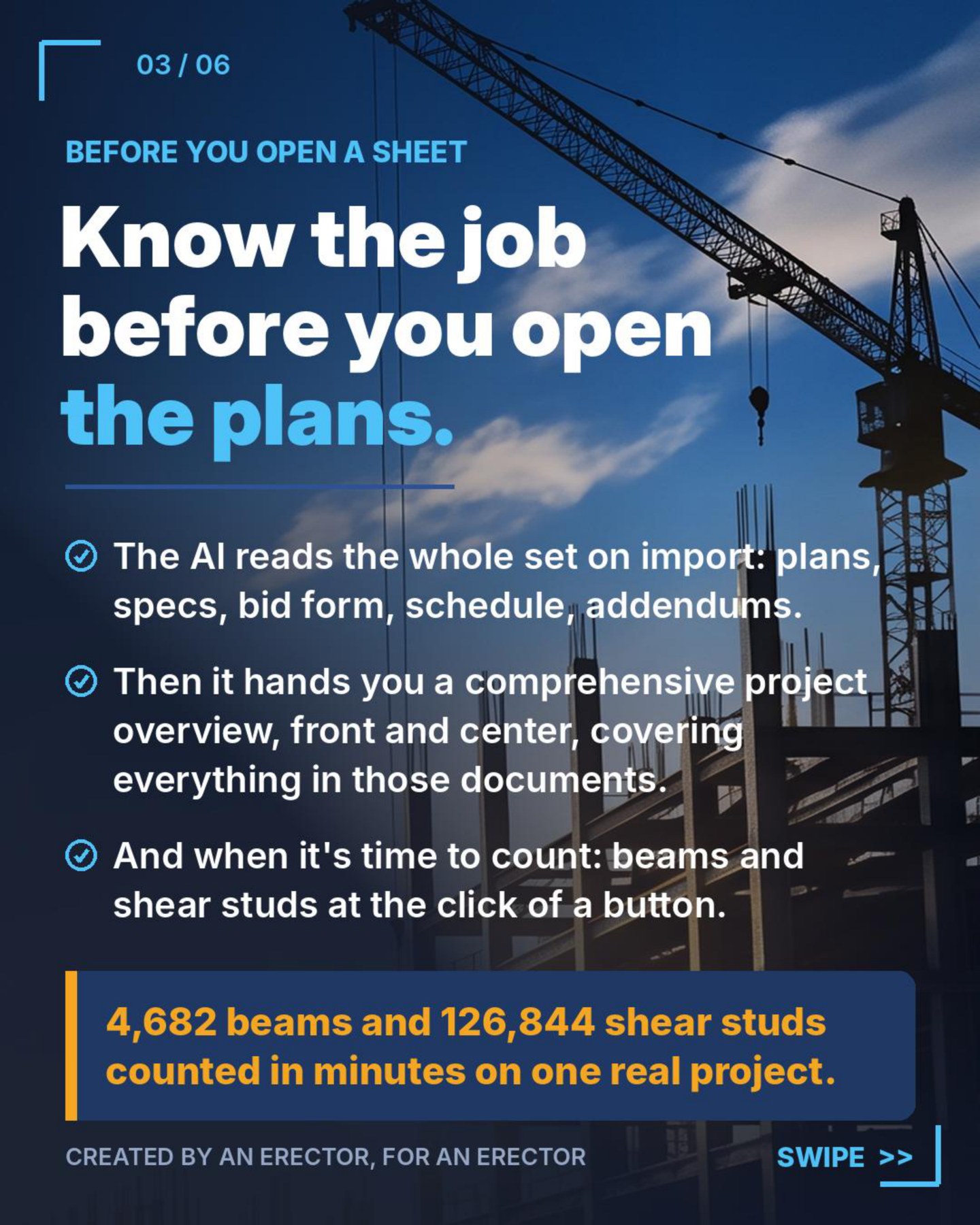
Bring in the plans. Bring in the specs. Bring in the bid form, the schedule, the scope of work and every addendum. Confirm the final bid set. Then pick your report: small, medium or large.
Large is about 4,000 words covering everything an erector needs to know about the complete project. Medium is about 2,500. Small is about 1,000, summarized but nothing left out. The parts that cost you money are highlighted. You know the job before you open the plan set.
A real takeoff on the Blue Horizon job, timed side by side.
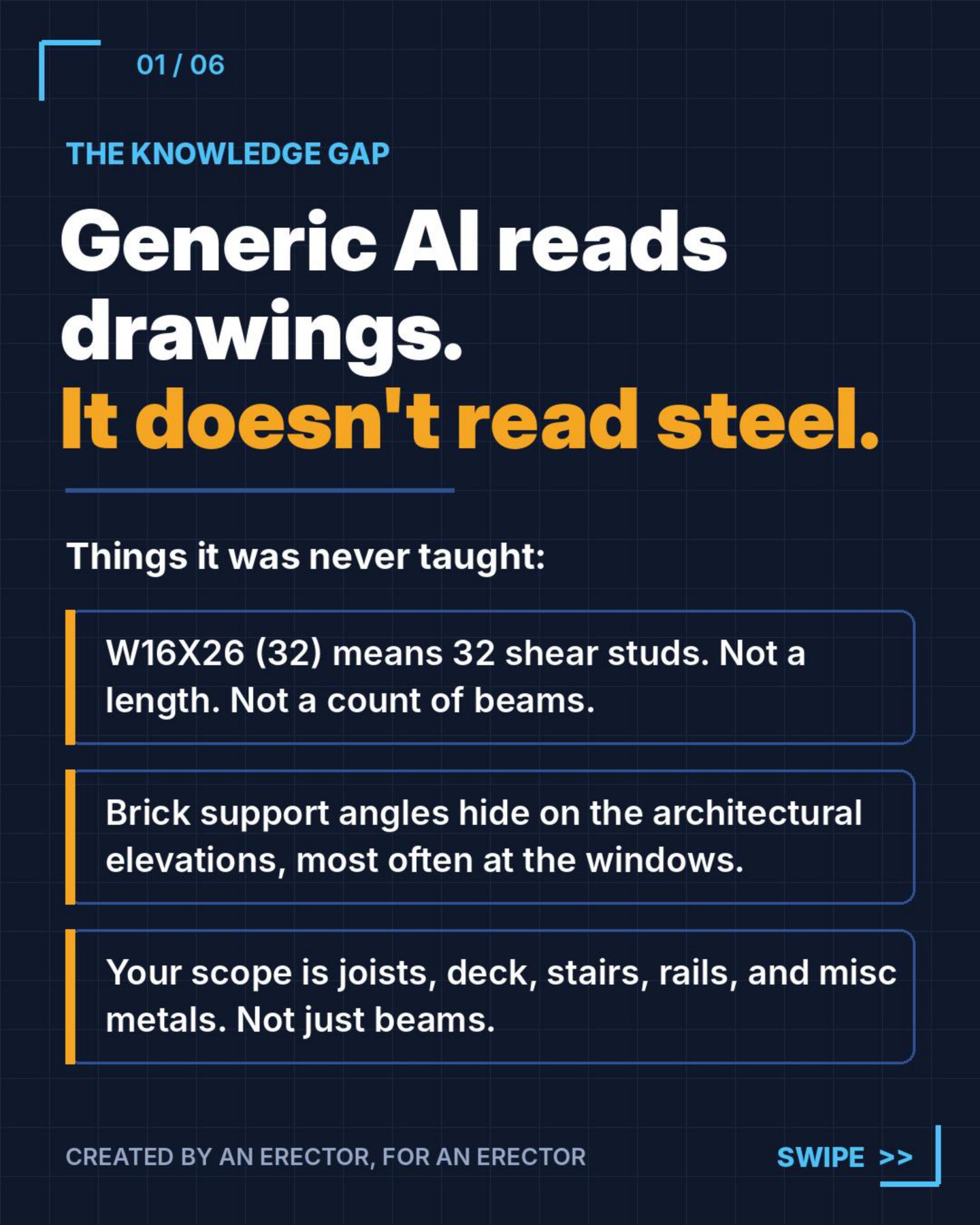
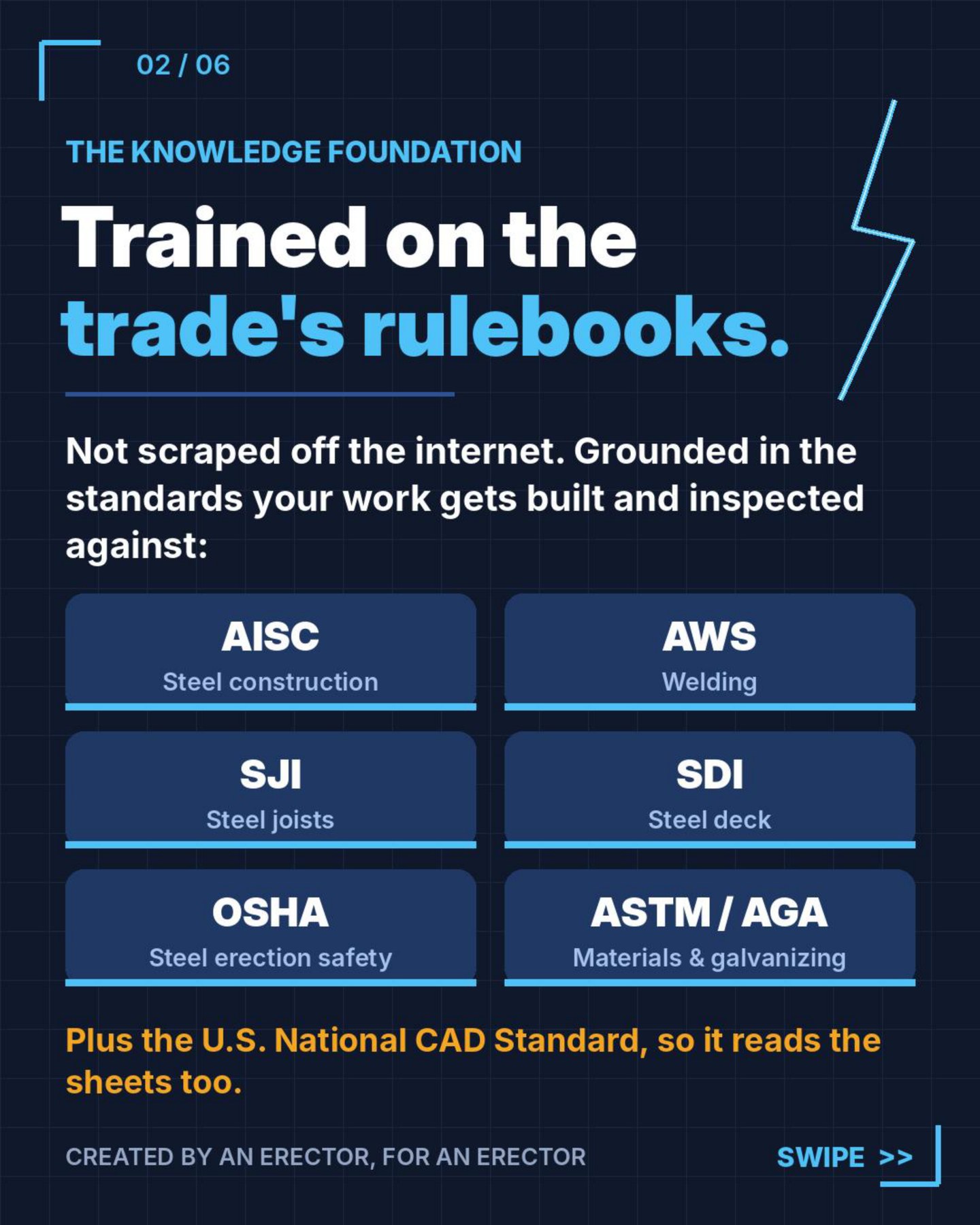
General-purpose AI guesses. The Takeoff Wizard is grounded in the codes and a 300+ task steel erection library, and the AI proposes while the estimator approves. Every count is yours to confirm.
Count and take off the whole job off the plans.
Quantities mapped to tasks, units and areas.
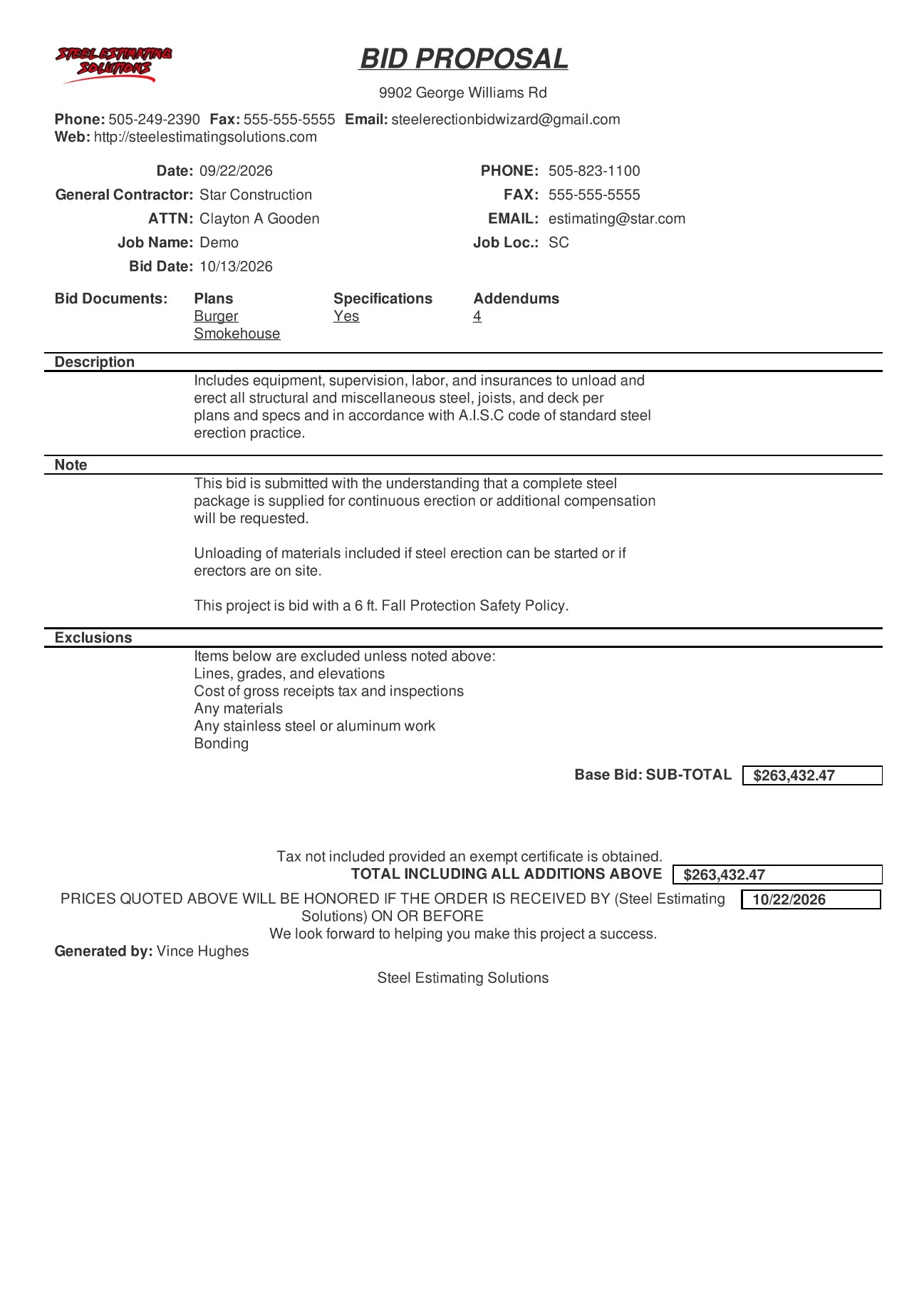
Apply your rates and hand the GC a proposal.
A short learning path and a video library. You are bidding real work the same week you start.
Drop in the full plan set and let Document Control sort it.
Configure the project so the takeoff and the bid line up.
Count with the AI, then take off the rest by hand.
Send it to the Bid Wizard and produce the proposal.
The full 15-video library covers every part of the software.
What a steel estimator needs to know before buying anything.


Schedule a personal demo. Vince walks you through a real plan set, start to finish. No canned slideshow. Or get the free demo video and watch first.
We'll email you the demo video.